
Sticker Day
First Wednesday. Hit the stand, snap the sheet, back up before you lose the haul.
iOS live · Android beta
Snap it. Keep it. Trade it.
Independent physical sticker collector. Identify the drop, build the collection, wishlist the holes, and trade extras — without pretending to be the brand that printed them.
iOS 1.0 on the App Store · Android internal test · Fan catalog · No payment processing
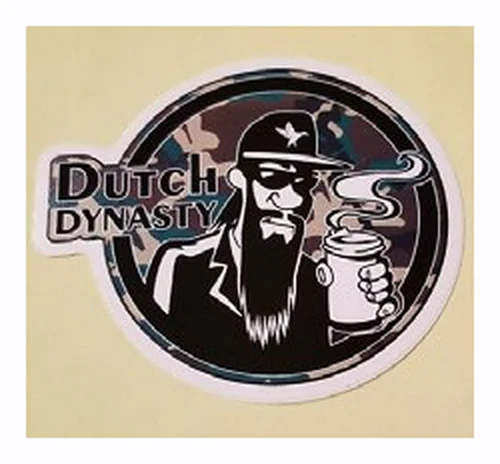
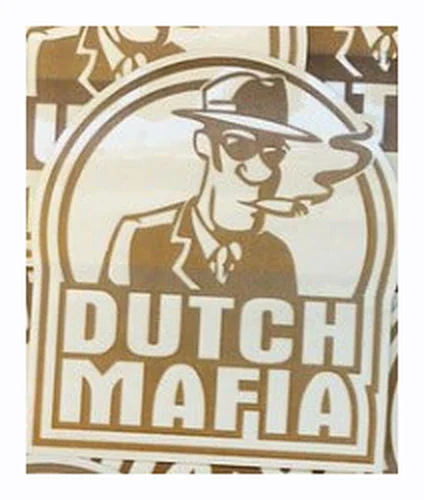
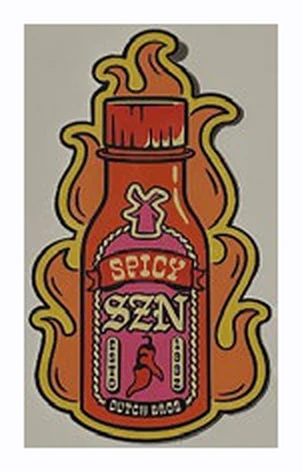
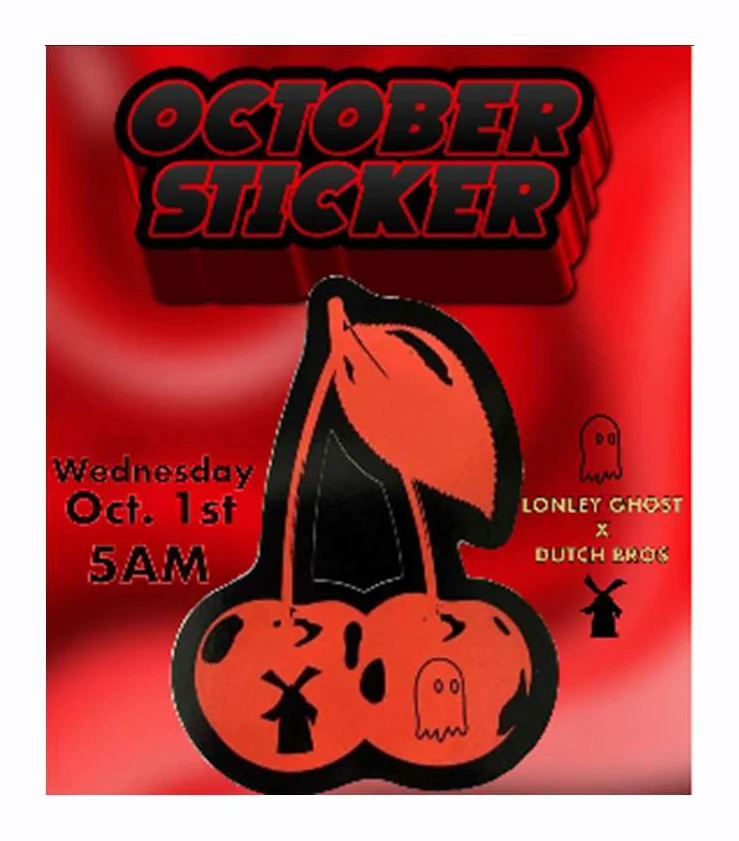

Who it’s for
Hunters, completists, traders, and regional collectors share the same shelf. The catalog is a fan seed. The stickers are promotional. The app does not sell them.
First Wednesday. Hit the stand, snap the sheet, back up before you lose the haul.
Wishlist the holes. Track owned vs missing. Report a bad catalog name when you see one.
Extras go on a listing. Friends-only or public. Chat stays on that trade — not a social feed.
City drops, grand openings, leftover bins two towns over. Log what actually showed up.
Permanent pillars
Category-first identify. Crop, Correct / Wrong, single or page scan. 25 free IDs; Pro unlocks unlimited.
List, Grid, MyShelf. Photos, condition, foil. Check My Collection. Full backup to iCloud or Files.
Hunt Coffee, Characters, Soonay, Nerds Unite, State, Skate. Stock thumbs when you have no photo yet.
Pro. User-to-user. Cash and shipping are notes. The app does not process payments.
Request by trade username. Accept, decline, follow-back. Friends-only listings when you want a smaller room.
Fan-compiled seed. Incomplete. Submit a design. Report Incorrect. Not an official brand dump.
Snap Live
Category-first so the model is looking at Coffee or Soonay, not the whole universe.

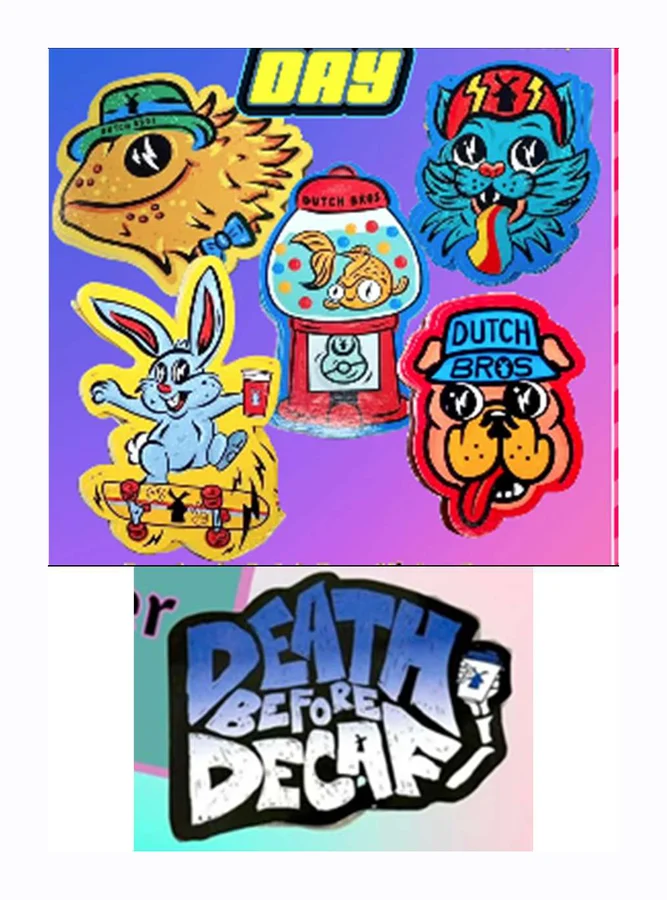
Collection Live
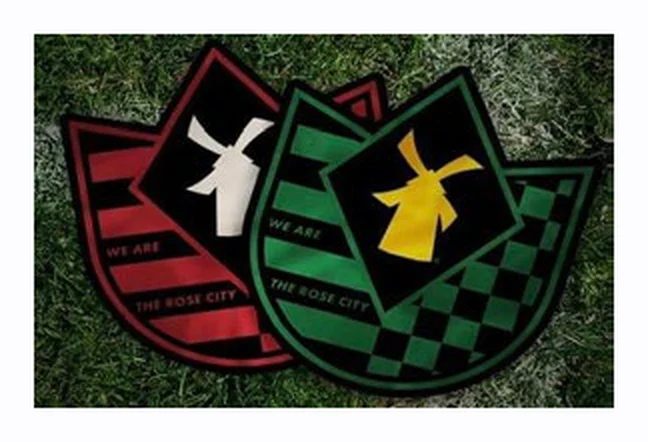
List, Grid, MyShelf. Your photo when you have one. Stock fallback when you don’t.
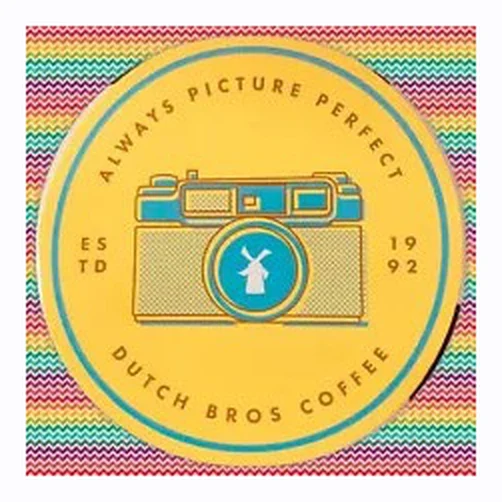

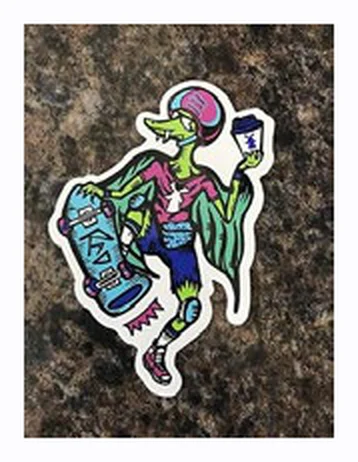
Sticker Day
Many stands hand out a new promo sticker with a purchase. Designs rotate. Supply runs out. Be kind — they’re free.
—
Trades Pro
Offer what you own. Look for what you want. Cash and shipping fields are notes so you can coordinate offline.
What this is not
Catalog Fan seed
Browse the seed here. Missing something? Submit a photo. The iOS app uses your shot first, then stock /stickers/{designId}.webp.
Beta
Request a tester slot. We get App name, phone OS, and your email — nothing else. Android testers must copy the Play link on the next screen. Google does not email it.
Snap A Sticker for iOS — tools collectors use every day. Independent app · not affiliated with any brand.
The app does not process payments. Optional cash ($) and shipping fields are informational only so you can coordinate offline. Contact details are opt-in and only shared after interest is accepted. Chat is per-trade — not a global social feed.
Included with the app
Auto-renewing · price shown by the App Store
Identify stickers against the fan seed catalog with AI vision.
Build and protect a scrapbook of stickers you own.
Hunt designs and browse a large fan-compiled list (not complete).
/stickers/{designId}.webpPro feature. Sign in with Apple + trade username. Listings sync via CloudKit.
Mutual trust, friends-only listings, and community meets.
Backup, library tools, and preferences.
Web demo: upload a photo or describe a sticker for a catalog match. Full multi-model camera AI and page multi-scan ship in the iOS app.
Your match will appear here — name, rarity, year, and confidence.
Then one-tap Add to my collection.
Browser demo — data stays in localStorage on this device. Export anytime. The iOS app (1.0) adds List / Grid / MyShelf views, sticker photos (take, pick, crop), swipe gestures, Check My Collection, and full backup & restore (Files / AirDrop + iCloud).
Lightweight browser have/want list (localStorage only). Real trades — CloudKit listings, interest, contact reveal, and per-trade chat — live in the iOS Trade guide.
Neither this site nor the app process payments. Optional $ / shipping notes in the iOS app are informational only.
Coffee shops, public stands during busy hours, or collector meetups.
Clear pics of both sides, holographic sheen, and any wear. Agree on packaging (sleeve + cardboard).
Use tracked mail for rares. Stickers are free promos — keep trades fun, never pressure new collectors.
Mark extras in your collection so trade partners know what you can spare. List offers in the iOS app with Public or Friends-only visibility.
Browse the independent fan-compiled design list. Search, filter by category/year/rarity. The list is incomplete and grows via submissions — not an official brand dump.
The iOS app uses your personal photo when you have one. Otherwise it falls back to stock images hosted here, keyed by catalog designId:
https://stickers.snapcollectibles.com/stickers/{designId}.webp
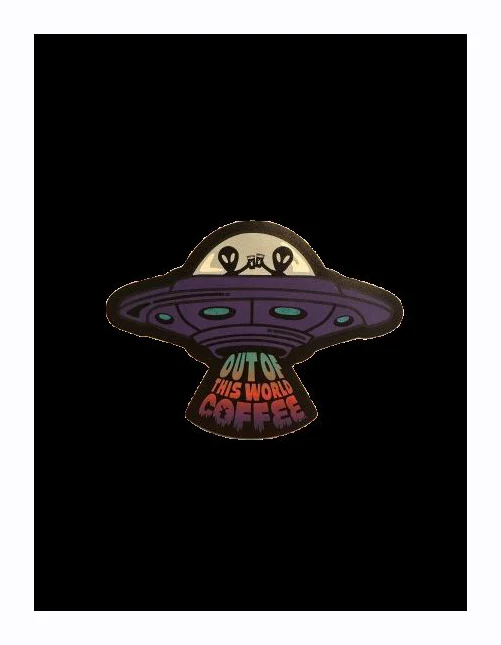
/stickers/db-2025-03-alien-ufo-coffee.webpThe catalog is incomplete on purpose — we add designs after review. Email a clear photo + name / year / category to grow the shared seed and stock map.
This form only adds to this browser’s demo catalog (localStorage). It does not update the shared seed. For the real catalog, use email submission.
The monthly drop every collector circles on the calendar — with countdown and streak support in the iOS app.
Sticker Day is commonly observed as the first Wednesday of every month, when many coffee and promo-sticker locations hand out free physical stickers with purchases. Designs rotate — classics, seasonals, holographics, series drops, and regionals all show up over time. Stickers are often promotional items; availability varies by location and supply.
—
Popular spots run out. Morning rush and post-lunch are common sweet spots — ask staff about remaining stock.
One per customer is typical. Don’t hoard; leave rares for fellow collectors when you already have extras.
Regional and leftover designs sometimes differ shop to shop. Log what you find in Snap Stickers the same day.
Pick series categories, then page multi-scan to catalog a full sheet faster. Get the app.
Settings → Sync everything to iCloud (or Export full backup). Sign in with Apple and keep iCloud on so a reinstall doesn’t wipe your haul.
How user-to-user trades work in Snap A Sticker 1.0 — plus friends, shortcuts, and safety basics. Trading is Pro. No payment processing.
Trades are between collectors. The app does not process payments, escrow money, or sell stickers. Cash ($) and shipping fields are informational only so you can coordinate offline.
Busy stands, coffee shops, or collector meetups. Bring a friend if you can.
Any money exchange is outside the app, at your own risk. Prefer simple sticker-for-sticker when possible.
Shared only after interest is accepted. You control Instagram / Messenger / email fields under More → trade contact.
Use in-app report or block tools. Don’t feel pressured — stickers are free promos; keep the hobby kind.
Clear pics both sides, holographic sheen, wear. Agree packaging (sleeve + cardboard). Tracked mail for rares.
Chat is per trade only — not a global DM network or public forum. Optional push covers trade interest, friend requests, and event reminders you set. Pull to refresh still updates messages and listings.
Help grow the fan seed catalog and stock image map. Submissions are reviewed before they land in the shared list.
Send submissions to admin@snapcollectibles.com. Same address works from the in-app “Submit design” flow notes.
/stickers/{designId}.webp for wishlist/catalog fallbacks.To: admin@snapcollectibles.com Subject: New sticker design submission Name: Year / month: Category: Rarity notes (holo / scented / regional / etc.): Where you got it (optional): Photo: (attach)Open email draft
Prefer browsing first? Check the catalog so we don’t double-add known IDs.
Snap A Sticker on the App Store — and Android internal testing. Request a tester slot below.
Beta
Android testers get a Play URL on-screen after submit. Copy it. Google will not email it. The link is active once your email is on the tester list — allow a few hours.
Not affiliated with any brand or trademark owner. Search Snap A Sticker on the App Store. Current version: 1.0 (build 50).
Native SwiftUI app for iPhone and iPad. Free includes 25 identifications plus collection, catalog, wishlist, and backup. Pro is an auto-renewing Apple subscription (about $1.99/month or $20/year — the App Store shows the live price). Need help finding the listing? Email admin@snapcollectibles.com.
Native SwiftUI — category-first snap, collection (List / Grid / MyShelf), photos, Check My Collection, backup & restore, wishlist, catalog, CloudKit trades (Pro), friends, events, chat.
Catalog browser, stock images, Sticker Day tools, and docs for testers. Web demos do not replace the iOS app for trades, photos, or AI snap.
Paste-friendly — copy into notes or a support email. Version: 1.0 (50).
Snap A Sticker — 1.0 checklist
Contact: admin@snapcollectibles.com

Setup & backup
[ ] Accept first-launch legal sheet
[ ] Sign in with Apple + iCloud enabled (needed for trades and cloud backup)
[ ] After scanning, Settings → Sync everything to iCloud (or Export full backup)
[ ] Export full backup to Files / AirDrop; try import restore
[ ] Empty collection after reinstall → auto-restore from iCloud when available
[ ] Settings → Delete Account is visible (do not run unless you mean it)

Free vs Pro
[ ] Snap shows remaining free IDs (25)
[ ] Browse catalog without Pro
[ ] Add from catalog / New Trade show Pro preview (still openable)
[ ] Settings → Subscription → Restore Purchases
[ ] Manage / cancel via Apple ID → Subscriptions

Snap & collection
[ ] Pick category(ies) first (Coffee / Characters / Soonay / Nerds Unite / State / Skate / …)
[ ] Adjust crop before Identify
[ ] Single sticker identify → Correct / Wrong → edit name if needed
[ ] Page / multi scan → review → bulk-add
[ ] Check My Collection: photo, library, or barcode / QR
[ ] Switch collection views: List, Grid, MyShelf
[ ] Swipe left → delete; swipe right → trade (Pro)
[ ] Sticker detail: take / pick photo → crop → save; set condition / foil
[ ] Report Incorrect on a catalog title

Wishlist, trades, friends
[ ] Wishlist search; stock /stickers/{designId}.webp when no user photo
[ ] Trade username; Facebook optional
[ ] Create trade (Pro); interest notes only; chat; block / report
[ ] Friends request / accept / follow-back
[ ] Optional notifications: trade interest, friend requests, event reminders

Known limits:
- Catalog is a fan seed (incomplete)
- App does not process payments
- Meetup locations are typed text (no GPS)
- Chat is per-trade only
This site hosts stock images (/stickers/{designId}.webp), the public catalog,
Support, Accessibility, and the
Privacy Policy. The iOS app is where collection photos, backup, CloudKit trades, friends, and chat live.
Part of the Snap Collectibles family.
Summary of how Snap A Sticker 1.0 handles your information. The full policy is on its own page.
We do not use App Tracking Transparency, IDFA, or third-party ads / analytics SDKs. We do not sell personal data. Meetup locations are typed text — the app does not use GPS.
Settings → Delete Account removes the local collection and requests deletion of your public CloudKit rows. You can also email admin@snapcollectibles.com.
Not directed at children under 13. Trading and user-generated chat are why the App Store age is 12+, not 4+.
Catalog, trades, backup, Pro, privacy, and trademark notes.
No. Snap Stickers is an independent physical sticker collector app. Not affiliated with any brand or trademark owner. All trademarks belong to their respective owners. Physical stickers are often free promotional items. This site and app do not sell official stickers.
Current version: 1.0 (build 50). Search Snap A Sticker on the App Store. Need help? Email admin@snapcollectibles.com or open Support.
Free: 25 camera or library identifications, keep those stickers, browse the catalog, wishlist, backup and export. Pro (auto-renewing Apple subscription): unlimited Snap, add from catalog, and trading. Price is shown by the App Store. Restore Purchases is in Settings → Subscription. Cancel in iOS Settings → Apple ID → Subscriptions. This is not a lifetime unlock.
No. Trades are user-to-user. Optional cash ($) and shipping fields are informational notes only. There is no checkout, escrow, or payment SDK. Stickers are promotional items; we don’t sell official inventory.
Trading is Pro. Sign in with Apple and set a trade username (Facebook is optional). Create a listing (offer + looking-for), set Public or Friends only, receive interest (message / optional $ notes), accept or decline. Contact is opt-in and only shared after accept. Chat is per-trade, not a global social network.
Shortcuts: swipe right on a collection item to start a trade with that sticker pre-selected; on sticker detail, use Trade this sticker so the form opens with the item already selected. Full walkthrough: Trade guide.
After scanning, use Settings → Sync everything to iCloud or Export full backup (Files / AirDrop). You can import a backup later. Sign in with Apple and keep iCloud enabled on the device for cloud backup / restore. The home screen reminds you to back up after scanning so a reinstall doesn’t wipe the collection. If the collection is empty after reinstall/update, the app restores from iCloud automatically when available.
Browse your collection as List, Grid, or MyShelf. On sticker detail you can take a photo in-app or pick from Photos, crop it, and save it as that sticker’s photo. Swipe left on a collection item to delete (with confirmation); swipe right to start a trade.
For best page / multi-scan results in the native app:
Flat page — lay stickers or the sheet flat; avoid folds and stacked edges.
Good light — bright, even light without harsh glare on holographics.
Fill the frame — get close enough that stickers are large and sharp.
Review step — always check detections before bulk-add; rename or deselect mistakes.
Retry unknowns — if AI misses one, single Snap & Identify or submit a design.
Then back up — Settings → Sync everything to iCloud (or Export full backup).
No. This is an independent fan seed catalog — hundreds of named designs and growing, compiled from public collector checklists (not an official brand dump). Submit missing designs via email after review they may enter SeedData + stock images.
Hosted on this site as /stickers/{designId}.webp. The app uses your photo when present;
otherwise it falls back to stock. Fan crops / placeholders — not official brand product photography.
Missing files use category placeholders (never blank tiles).
Collection and photos live on device, with full backup via iCloud sync and Files / AirDrop export/import. Trade listings, interests, friend requests, and in-trade messages use CloudKit. Vision API is used for identify / multi-scan. See the Privacy Policy and Settings → Delete Account.
Optional push covers trade interest, friend requests, and event reminders you set. Allow notifications in iOS Settings if you want them. Pull to refresh still updates chat and listings.
Independent collector project. Not affiliated with any brand or trademark owner. All trademarks remain the property of their respective owners. Stickers are often promotional items; this project is for personal and community collecting use only.
An independent fan project for physical sticker collectors.
Independent collector app. Not affiliated with any brand or trademark owner. All trademarks belong to their respective owners. Physical stickers are often free promotional items.
Search Snap A Sticker on the App Store. Support: admin@snapcollectibles.com or stickers.snapcollectibles.com/support. Website and app are part of the Snap Collectibles family — family.snapcollectibles.com.
Snap Stickers helps collectors track, wishlist, catalog, and trade physical stickers — Coffee series, Characters, Soonay, Nerds Unite, Sticker Day drops, rares, holographics, regionals, and more. Current app: Snap A Sticker 1.0 (build 50).
The seed catalog is compiled from public collector checklists and community knowledge.
It is not an official brand dump and is incomplete.
Stock images live at /stickers/{designId}.webp — fan crops or placeholders, not official product photography.
See the Privacy Policy: Sign in with Apple, on-device photos plus iCloud / Files backup, CloudKit for trade/social data, OpenRouter for identify, Apple-billed Pro, and Settings → Delete Account.
Snap Stickers is part of the Snap Collectibles / Snap Family toolkit for collectors — web hubs and companion mobile apps that make physical collectibles easier to identify and organize. Visit the family suite at family.snapcollectibles.com.
Primary site: stickers.snapcollectibles.com.
Existing Vercel (*.vercel.app) deployment URLs continue to work.
Questions, support, feedback, or corrections:
admin@snapcollectibles.com ·
Support ·
Accessibility
Android tester link
Your request was sent. This Play tester link becomes active once your email has been added to the Tester List. Please allow up to a few hours. Google Play does not auto-send emails to testers.
https://play.google.com/apps/internaltest/4701581112226309666